
XRFace: Realtime Face Recognition on browser
Real-time face detection and AR filter overlay application using TensorFlow.js MediaPipe face mesh in the browser.





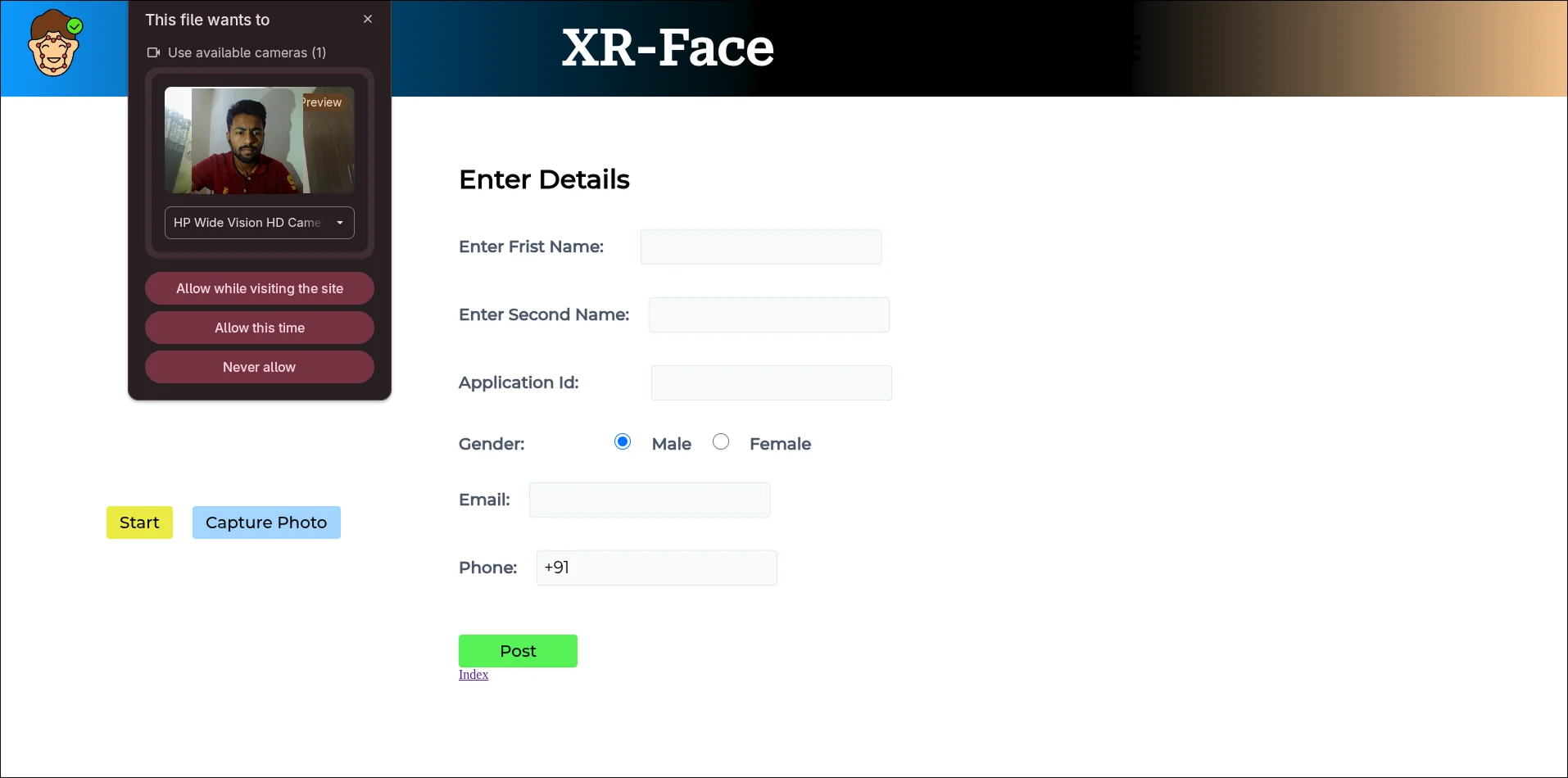
XRFace is a high-performance face recognition and identity verification system running entirely in the client's browser. Rather than sending continuous camera frame video feeds to a heavy GPU server for processing, XRFace runs neural network inference locally inside the web browser via WebGL acceleration, matching face geometry against pre-registered user profiles.
Full System Architecture
The Model Pipeline
XRFace loads pre-trained weights for three sub-neural networks stored in the local /models directory using the unified faceapi interface:
- SSD MobileNet V1 for high-accuracy bounding box detection.
- 68-Point Face Landmark Model to locate facial keypoints (eyes, nose, mouth).
- Face Recognition Model to project the detected face crop into a highly clustered 128-dimensional Euclidean feature space (face descriptor vector).
const MODEL_URL = './models';

// Load Face-API neural network models on startup
async function loadMyModels() {
  await faceapi.loadSsdMobilenetv1Model(MODEL_URL);
  await faceapi.loadFaceLandmarkModel(MODEL_URL);
  await faceapi.loadFaceRecognitionModel(MODEL_URL);
}
Reference Descriptor Registration
On application startup, XRFace contacts the static assets listing server (http://localhost:5000/files) to fetch all pre-registered profile usernames. For each entry, it loads the user's JPEG picture, runs single-face detection, calculates the 128-dimensional reference vector, and loads it into a LabeledFaceDescriptor library.
async function loadStaticFaces() {
  const labels = removeExtension(imgFiles);

  labeledFaceDescriptors = await Promise.all(
    labels.map(async label => {
      // Fetch user reference photo
      const imgUrl = `./backend/images/${label}.jpeg`;
      const img = await faceapi.fetchImage(imgUrl);

      // Detect face landmarks and construct the 128D reference embedding
      const fullFaceDescription = await faceapi.detectSingleFace(img)
        .withFaceLandmarks()
        .withFaceDescriptor();

      if (!fullFaceDescription) {
        throw new Error(`No face details detected for ${label}`);
      }

      return new faceapi.LabeledFaceDescriptors(label, [fullFaceDescription.descriptor]);
    })
  );
}
Core Euclidean Distance Matching Mathematics
To perform fast real-time recognition, XRFace computes the mathematical $L_2$ Euclidean distance between an active facial vector $V$ and a registered reference vector $R$ across $N = 128$ dimensional floats.
$d(V, R) = \sqrt{\sum_{i=1}^{128} (V_i - R_i)^2}$
If the L2 distance $d(V, R)$ falls below the threshold $d_{max} = 0.6$, the identity is marked as a positive match. If multiple references are registered, the matcher returns the candidate matching:
$\arg\min_{R_j} d(V, R_j) \quad \text{subject to} \quad d(V, R_j) < 0.6$
Live Webcam Verification Loop
Once initial references are loaded, the application initiates a continuous loop using a 900ms interval tracker. During each step, it runs face detection on the active <video> stream frame, evaluates the Euclidean distance of the generated descriptor against all reference descriptors, and performs profile matching:
// Active loop polling camera stream
setInterval(async () => {
  fullFaceDescriptions = await faceapi.detectAllFaces(videoElement)
    .withFaceLandmarks()
    .withFaceDescriptors();

  canvas.width = 640;
  canvas.height = 480;

  // Render detections and facial grid on top of the live stream
  faceapi.draw.drawDetections(canvas, fullFaceDescriptions);
  recogniseFace();
}, 900);

async function recogniseFace() {
  const maxDescriptorDistance = 0.6; // Maximum distance to consider a match verified
  const faceMatcher = new faceapi.FaceMatcher(labeledFaceDescriptors, maxDescriptorDistance);
  const results = fullFaceDescriptions.map(fd => faceMatcher.findBestMatch(fd.descriptor));

  results.forEach((bestMatch, i) => {
    const box = fullFaceDescriptions[i].detection.box;
    const text = bestMatch.toString();

    // Draw matched label box over the verified face canvas
    const drawBox = new faceapi.draw.DrawBox(box, { label: text });
    drawBox.draw(canvas);
    faceapi.draw.drawFaceLandmarks(canvas, fullFaceDescriptions[i]);

    // Fetch complete user schema from database server
    const foundFace = text.replace(/\s*\(.+\)$/, '');
    fetchUserProfile(foundFace);
  });
}
Node.js & Express Microservice Backends
To support face registration and profile retrieval, XRFace uses two lightweight backends:
- Static Server (Port 5000): Serves static user images and handles file mapping index queries at
/files. - Profile Server (Port 3000): An Express backend handling profile retrieval (
/getUser/:filename) and user registrations (POST /uploadUser), persisting profile data forms directly to local JSON files (./users/${firstName}-${secondName}.json).
Performance and Verification Metrics
- GPU Acceleration: Achieves zero server load by leveraging WebGL backends via TensorFlow.js for client-side model running.
- Euclidean Similarity: Matches users by calculating L2 distance matrices on 128D embeddings, rejecting unknown faces with distance values above
0.6. - Async API Syncing: Verified identity details are retrieved in parallel via asynchronous fetch promises in under
50msfrom database lookup.