
React Notes App
Clean note-taking Progressive Web App with rich-text editing, tagging, search, and localStorage persistence.




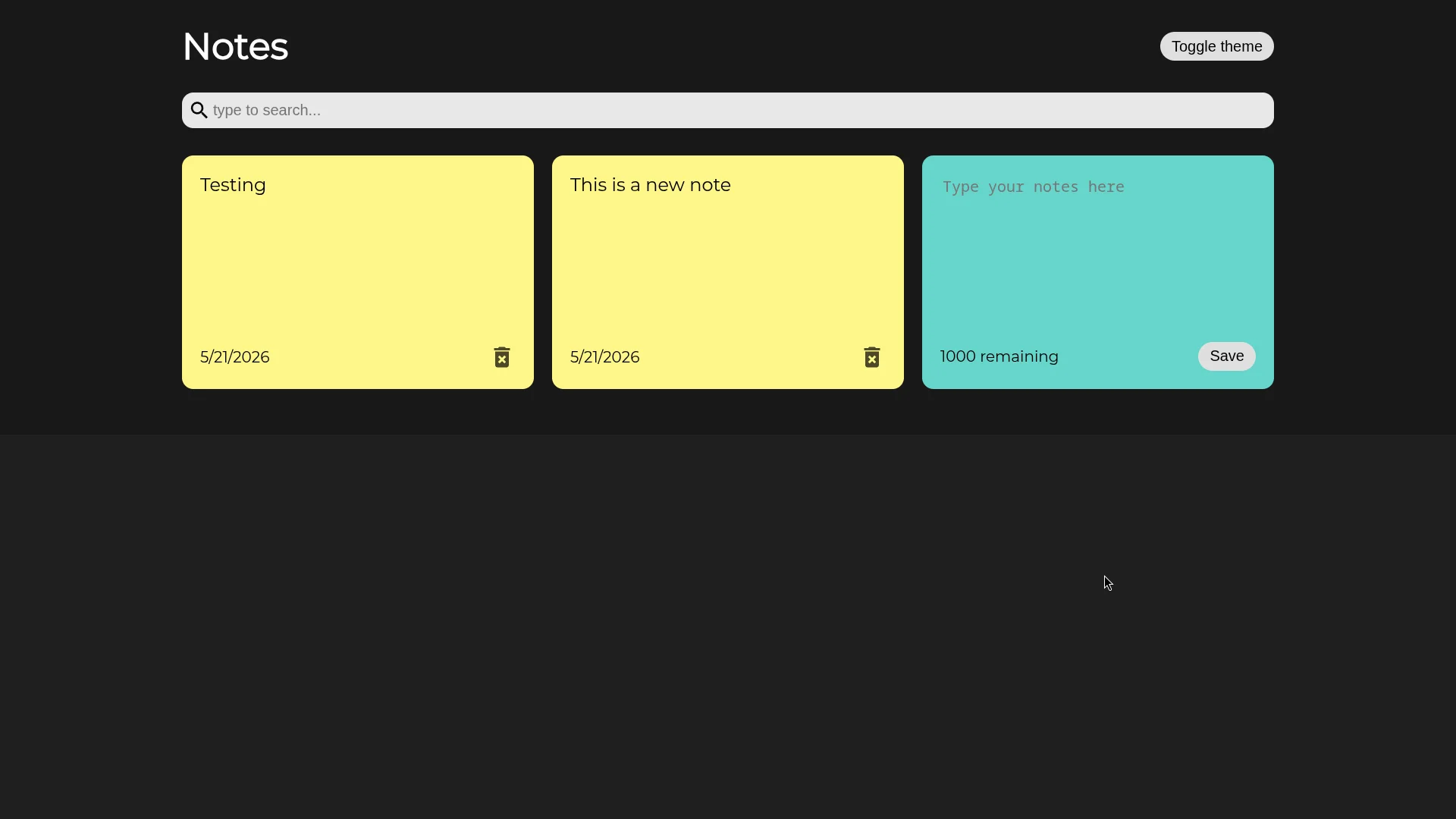
This project is a strongly-typed React note-taking application designed around dynamic workspace creation and offline client-side storage. It teaches core principles of custom React hook sync cycles, nested route configurations using React Router v6, and multi-select input management.
What I Built
A clean notes application featuring:
- Markdown Editing Workspace: A raw text workspace optimized for rapid layout and quick editing.
- On-the-fly Tagging: Create, search, and assign multiple tags using a dynamic, multi-select dropdown.
- Full-Text Filter Indexes: Dynamic search bar queries filtering notes by title substring matches and Tag groups.
- Lazy State local persistence: Synchronizes all notes and tag configurations directly to browser local storage.
- Responsive Layout: Designed with fluid grid stacks using React Bootstrap components.
Local Storage Synchronization Hook
Instead of a heavy global state manager or a context reducer, state persistence is handled entirely via a custom, strongly-typed generic useLocalStorage<T> hook. It handles automatic serialization, parsing, and lazy initial state resolution:
import { useEffect, useState } from "react"

export function useLocalStorage<T>(key: string, initialValue: T | (() => T)) {
  const [value, setValue] = useState<T>(() => {
    const jsonValue = localStorage.getItem(key)
    if (jsonValue == null) {
      if (typeof initialValue === "function") {
        return (initialValue as () => T)()
      } else {
        return initialValue
      }
    } else {
      return JSON.parse(jsonValue)
    }
  })

  useEffect(() => {
    localStorage.setItem(key, JSON.stringify(value))
  }, [value, key])

  return [value, setValue] as [T, typeof setValue]
}
Data Abstractions & Relationship Mapping
To avoid duplication in storage, the app normalizes notes in local storage using RawNote models (which store simple array references to tag IDs) and maps them to human-readable labels inside a memoized selector loop:
export type Note = {
  id: string
} & NoteData

export type RawNote = {
  id: string
} & RawNoteData

export type RawNoteData = {
  title: string
  markdown: string
  tagIds: string[]
}

export type NoteData = {
  title: string
  markdown: string
  tags: Tag[]
}

export type Tag = {
  id: string
  label: string
}
By computing notesWithTags within a React useMemo block, the app avoids redundant updates and maintains single-source-of-truth integrity:
const notesWithTags = useMemo(() => {
  return notes.map(note => {
    return { ...note, tags: tags.filter(tag => note.tagIds.includes(tag.id)) }
  })
}, [notes, tags])
Dynamic Tag Editing with Creatable Select
The note creator form uses react-select/creatable to enable inline tag creations on-the-fly. The custom component registers tags with unique UUID tokens:
<CreatableReactSelect
  onCreateOption={label => {
    const newTag = { id: uuidV4(), label }
    onAddTag(newTag)
    setSelectedTags(prev => [...prev, newTag])
  }}
  value={selectedTags.map(tag => {
    return { label: tag.label, value: tag.id }
  })}
  options={availableTags.map(tag => {
    return { label: tag.label, value: tag.id }
  })}
  onChange={tags => {
    setSelectedTags(
      tags.map(tag => {
        return { label: tag.label, id: tag.value }
      })
    )
  }}
  isMulti
/>
Key Learnings
Building this application cemented the value of normalized database structures in client-side state design. Storing raw reference lists rather than embedding nested objects prevents state sync mismatch issues when deleting or updating tags. Furthermore, configuring nested route hierarchies (/:id routing to NoteLayout) demonstrates how to share context across view, edit, and list components without resorting to heavy external global store providers.