
MERN JWT Auth
Full-stack authentication boilerplate with JWT tokens, bcrypt password hashing, protected routes, and React Context state management.






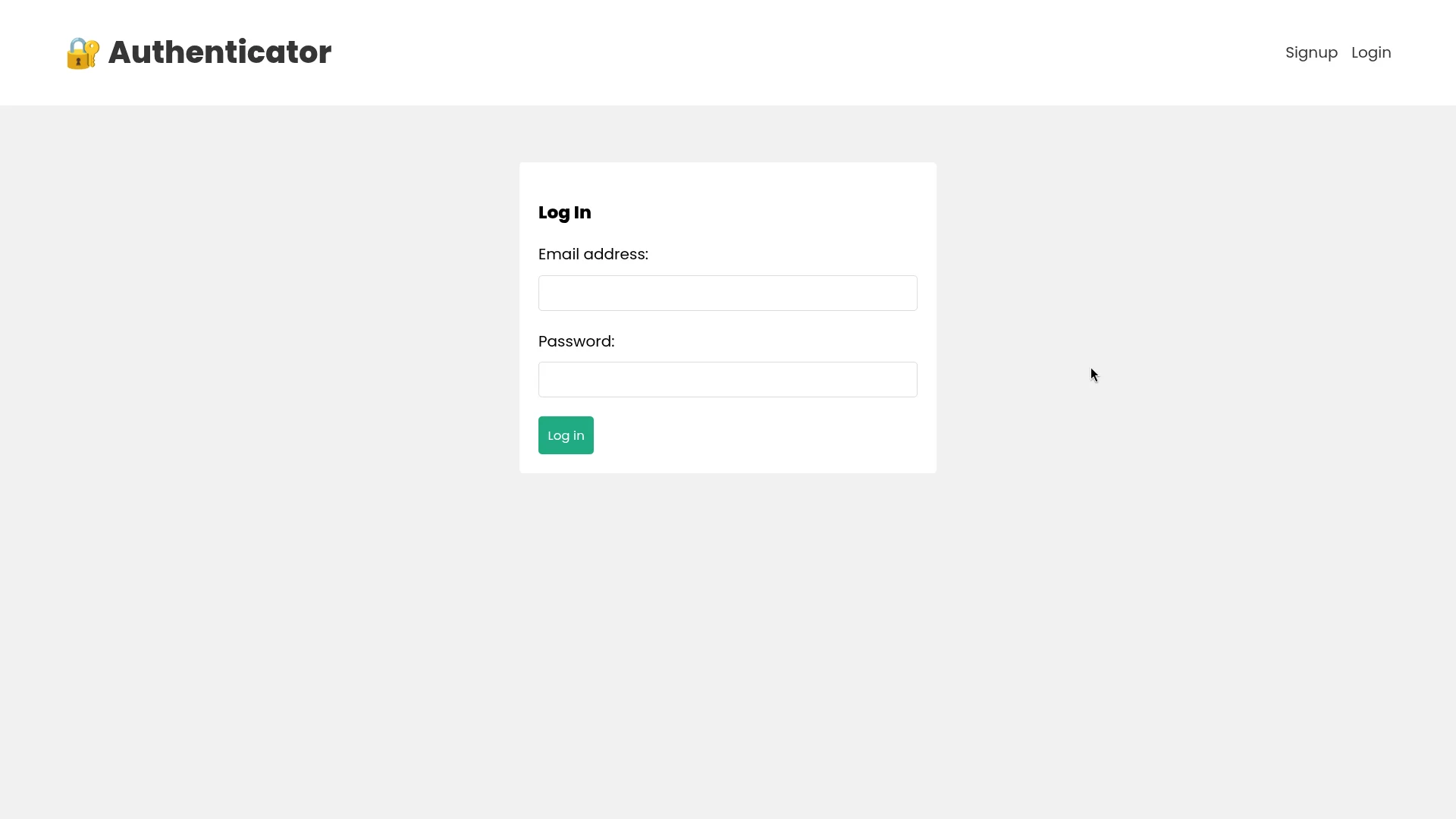
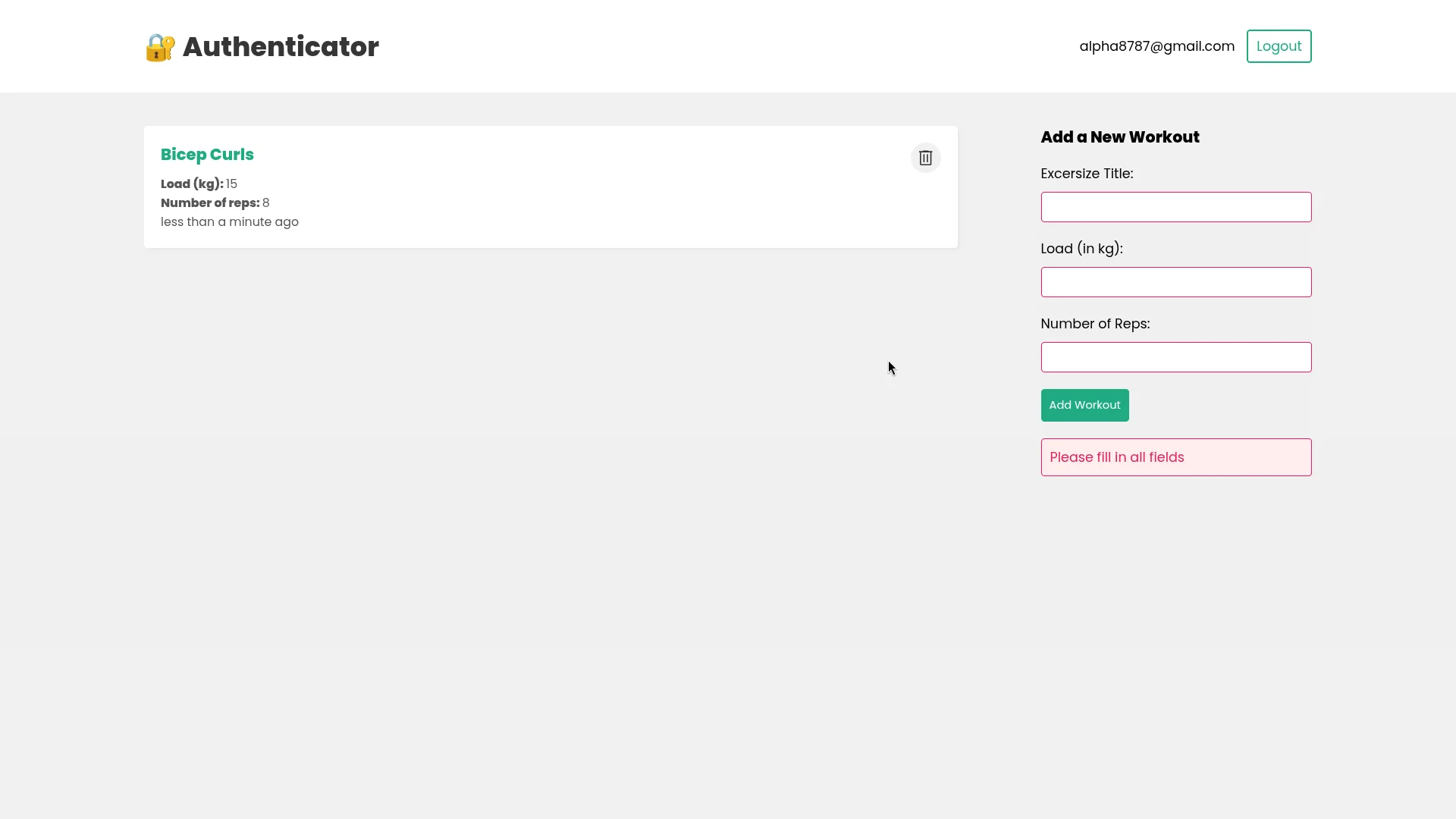
Authentication is the foundation of almost every secure web application. This project is a production-ready, full-stack implementation of a custom JWT-based authentication flow protecting a workout CRUD planner dashboard, built from scratch to study security controls, session validation, and state propagation.
What I Built
A secure, database-backed dashboard containing:
- Custom Schema Validation: Mongoose statics enforcing strong password metrics and formatting checks.
- Salting & Hashing Pipeline: Uses bcrypt for secure key-stretching (10 rounds) before DB insertion.
- Stateless Authorization Middleware: Express route handlers extracting and verifying Bearer JWT headers.
- Stateful Context Reducer: Frontend React Context syncing active sessions with local storage via dispatch actions.
- Secure Workout Planner API: Protected CRUD endpoints for reading, writing, and deleting workout cards.
Mongoose Static Signup Validation
To keep auth logic centralized, login and registration verification rules are declared directly on the mongoose User schema. It enforces validation checks using validator and hashes passwords before database storage:
const mongoose = require('mongoose')
const bcrypt = require('bcrypt')
const validator = require('validator')

const userSchema = new mongoose.Schema({
    email : {
        type: String,
        required: true,
        unique: true
    },
    password: {
        type: String,
        required: true
    }
})

// Custom static Signup Method on the userSchema
userSchema.statics.signup = async function( email, password ){
    if(!email || !password){
        throw Error("All fields must be filled")
    }
    if (!validator.isEmail(email)){
        throw Error('Enter a valid email')
    }
    if (!validator.isStrongPassword(password)){
        throw Error('Password not strong enough')
    }

    const exist = await this.findOne({ email })
    if(exist){
        throw Error('Email Already registered')
    }

    // Hash the password with custom salt rounds
    const salt = await bcrypt.genSalt(10)
    const hash = await bcrypt.hash( password, salt )

    const user = await this.create({  email, password:hash  })
    return user
}
Backend Authorization Middleware
Routes protecting workout CRUD operations are intercepted by custom requireAuth middleware. This middleware verifies the signature of the incoming JSON Web Token and attaches the authenticated user record to the request context:
const jwt = require('jsonwebtoken');
const User = require('../models/userModel')

const requireAuth = async (req, res, next)=> {
    const { authorization } = req.headers;

    if(!authorization){
         return res.status(401).json({error: "Send Authorization token"})
    }

    const token = authorization.split(" ")[1]

    try {
        const {_id} = jwt.verify(token, process.env.SECRET)

        // Select only user ID to minimize memory footprint
        req.user = await User.findOne({ _id }).select('_id')
        next()
    } catch (error) {
        console.log(error)
        res.status(401).json({error: 'req is not authorized'})
    }
}

module.exports = requireAuth
Frontend Auth Context Reducer
On the client-side, global session state is propagated using React's useReducer and Context API. The authentication context reads initial credentials from the browser storage on page load to prevent login loss during browser refreshes:
import { createContext, useEffect, useReducer } from "react"

export const AuthContext = createContext()

export const authReducer = (state, action)=>{
    switch(action.type){
        case 'LOGIN':
            return {user: action.payload}
        case 'LOGOUT':
            return {user: null}
        default:
            return state
    }
}

export const AuthContextProvider = ({ children }) => {
    const [state, dispatch] = useReducer(authReducer, {
        user: null
    })

    useEffect(() => {
      const user = JSON.parse(localStorage.getItem('user'))
      if(user){
        dispatch({ type: 'LOGIN', payload: user })
      }
    }, [])

    return (
        <AuthContext.Provider value = {{...state, dispatch}}>
            {children}
        </AuthContext.Provider>
    )
}
React Hooks Auth Integration
Custom react hooks manage network transactions and context state dispatch triggers. For example, useLogin.js issues a request to the backend, caches the response token inside local storage, and logs in the user:
import { useState } from "react";
import { useAuthContext } from "./useAuthContext";

export const useLogin = () => {
    const [error, setError] = useState(null)
    const [loading, setLoading] = useState(false)
    const { dispatch } = useAuthContext()

    const login = async (email, password) =>{
        setLoading(true)
        setError(null)

        const response = await fetch('/api/user/login', {
            method: 'POST',
            headers: {'Content-Type': 'application/json'},
            body: JSON.stringify({email, password})
        })

        const json = await response.json()

        if(!response.ok){
            setLoading(false)
            setError(json.error)
        }
        if(response.ok){
            // Cache session in local storage
            localStorage.setItem('user', JSON.stringify(json))

            // Update auth context state
            dispatch({ type: 'LOGIN', payload: json })
            setLoading(false)
        }
    }
    return {login, error, loading}
}
Key Learnings
MANUALLY building a stateless verification cycle provides a deep appreciation for the mechanics of authentication. I learned the critical importance of encrypting data in transit and processing authentication state updates safely. Securing APIs with lightweight verification layers ensures that scaling the system horizontally does not degrade server database latency, a fundamental design pattern in full-stack architecture.