
DoodleDict: AI Sketch Recognition Game
AI-powered drawing game using the Gemini 1.5 Flash Vision API to guess drawings in real time, with scores saved to a Turso database leaderboard.



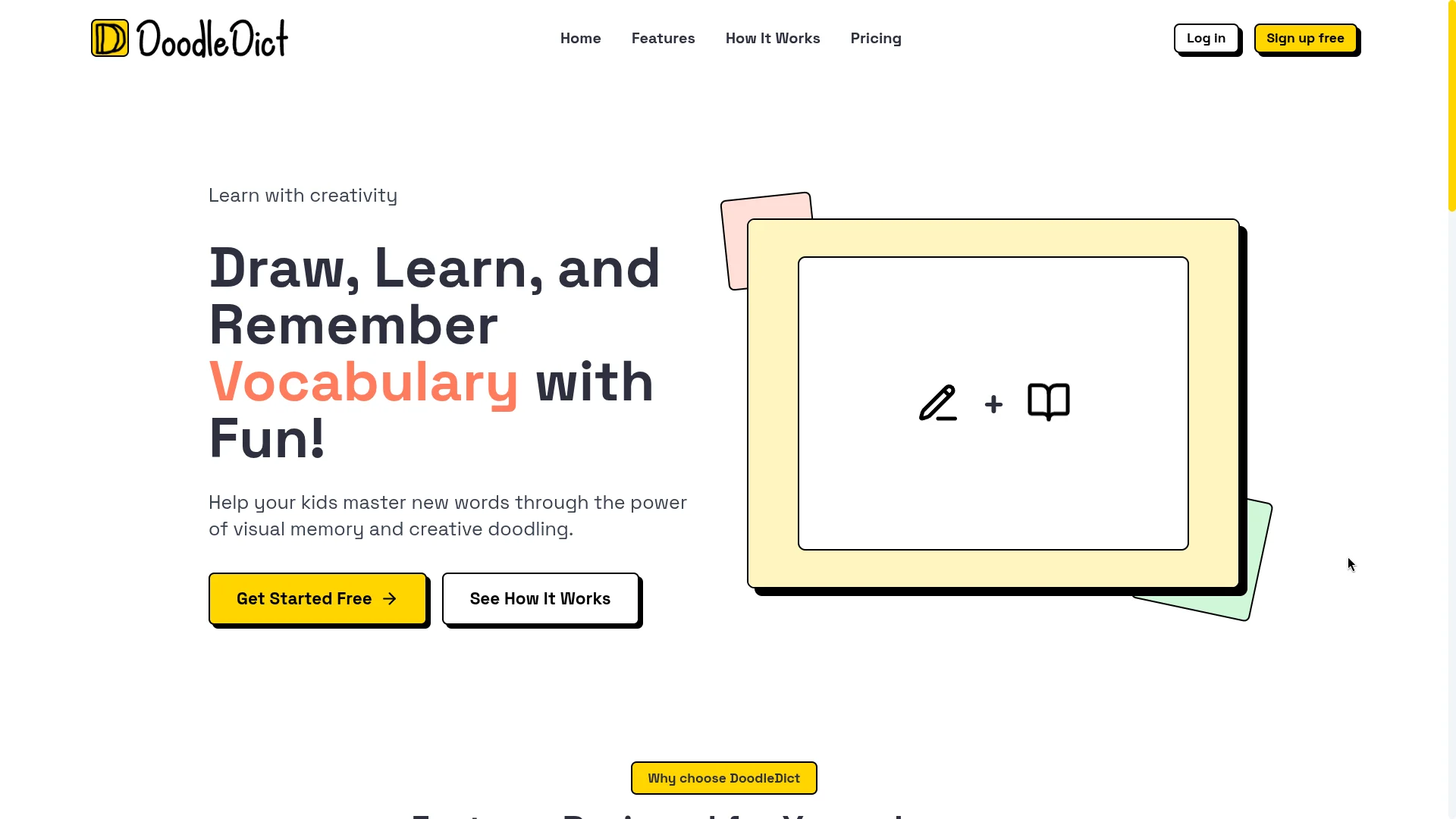
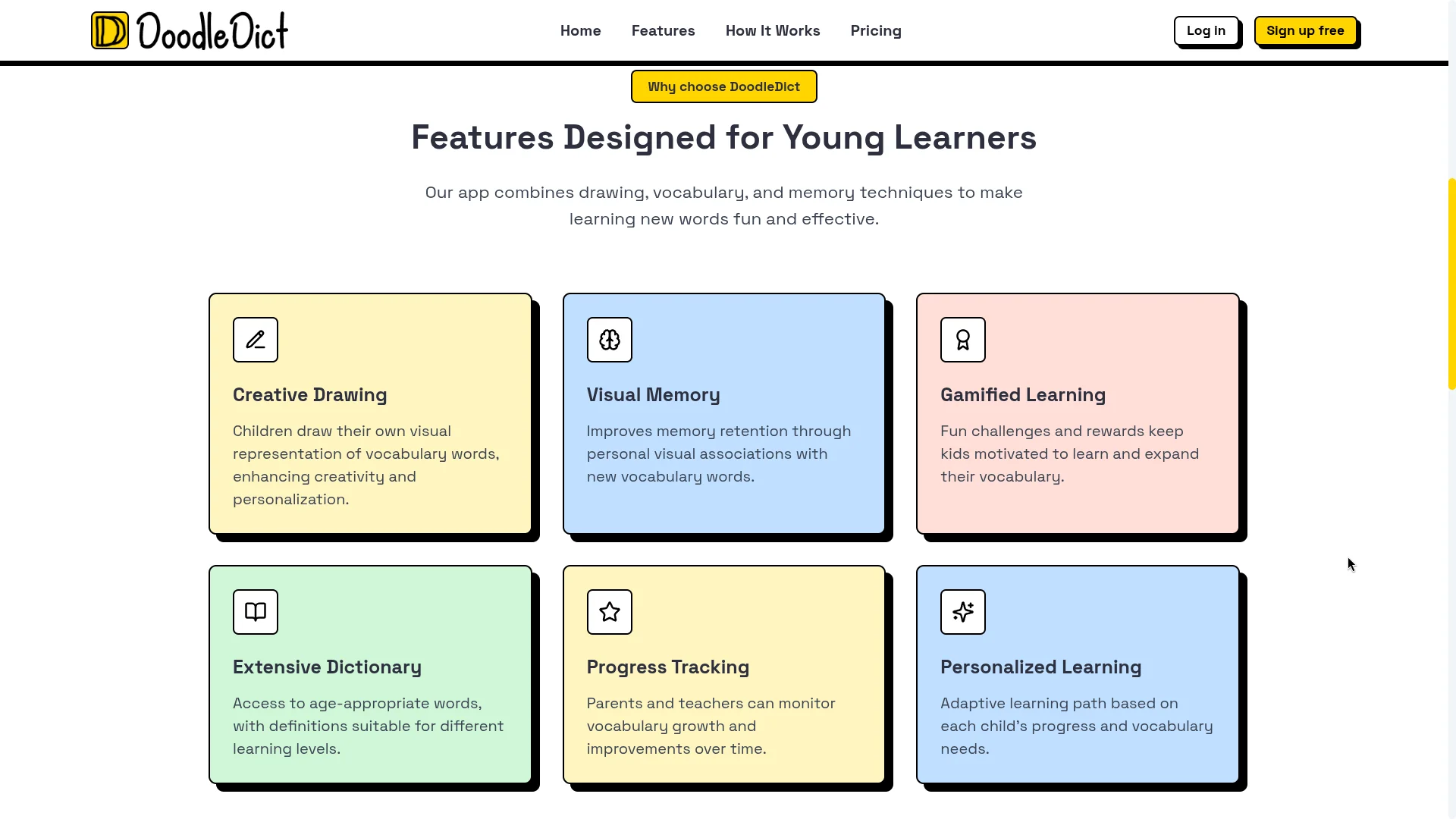
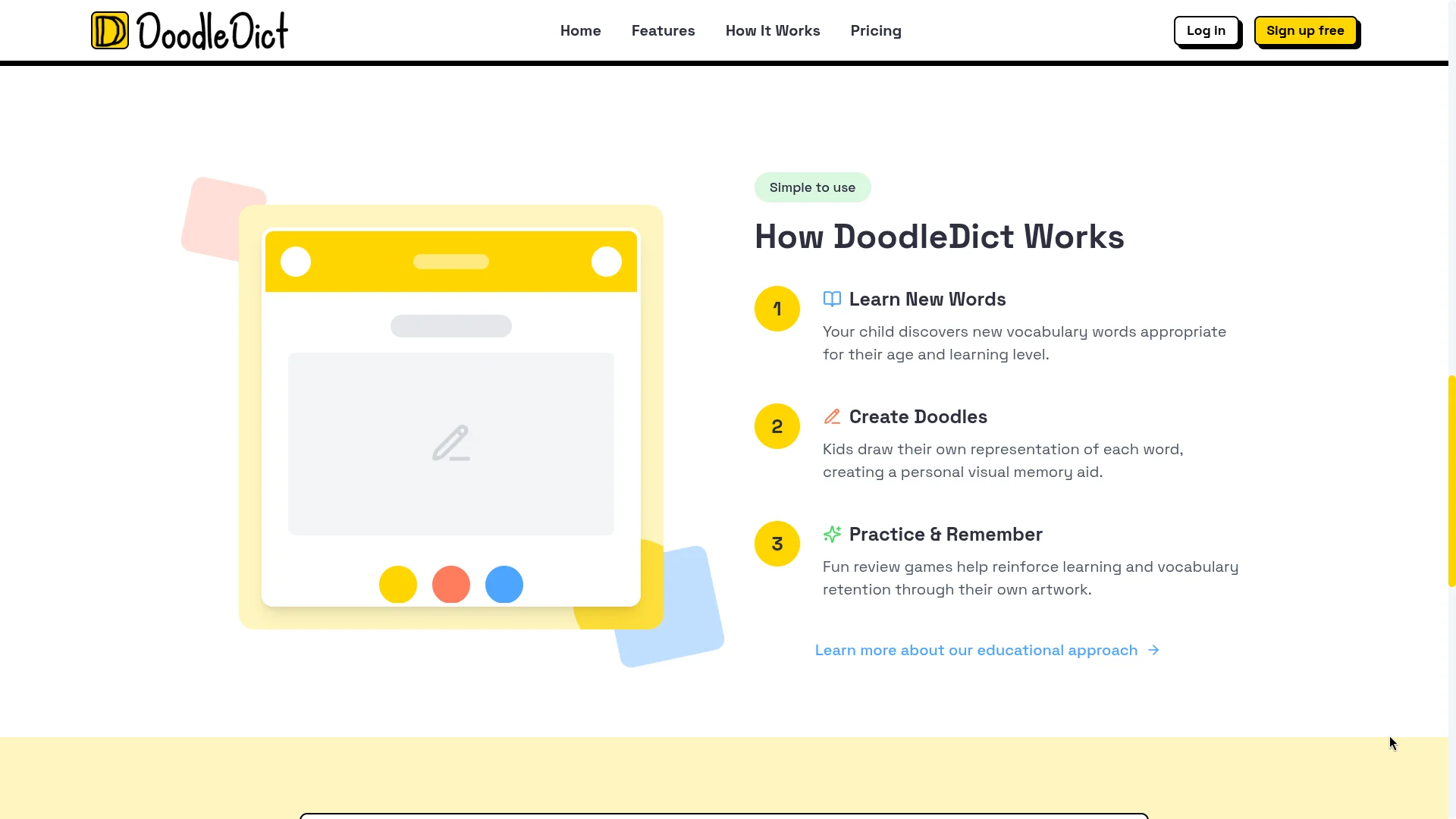
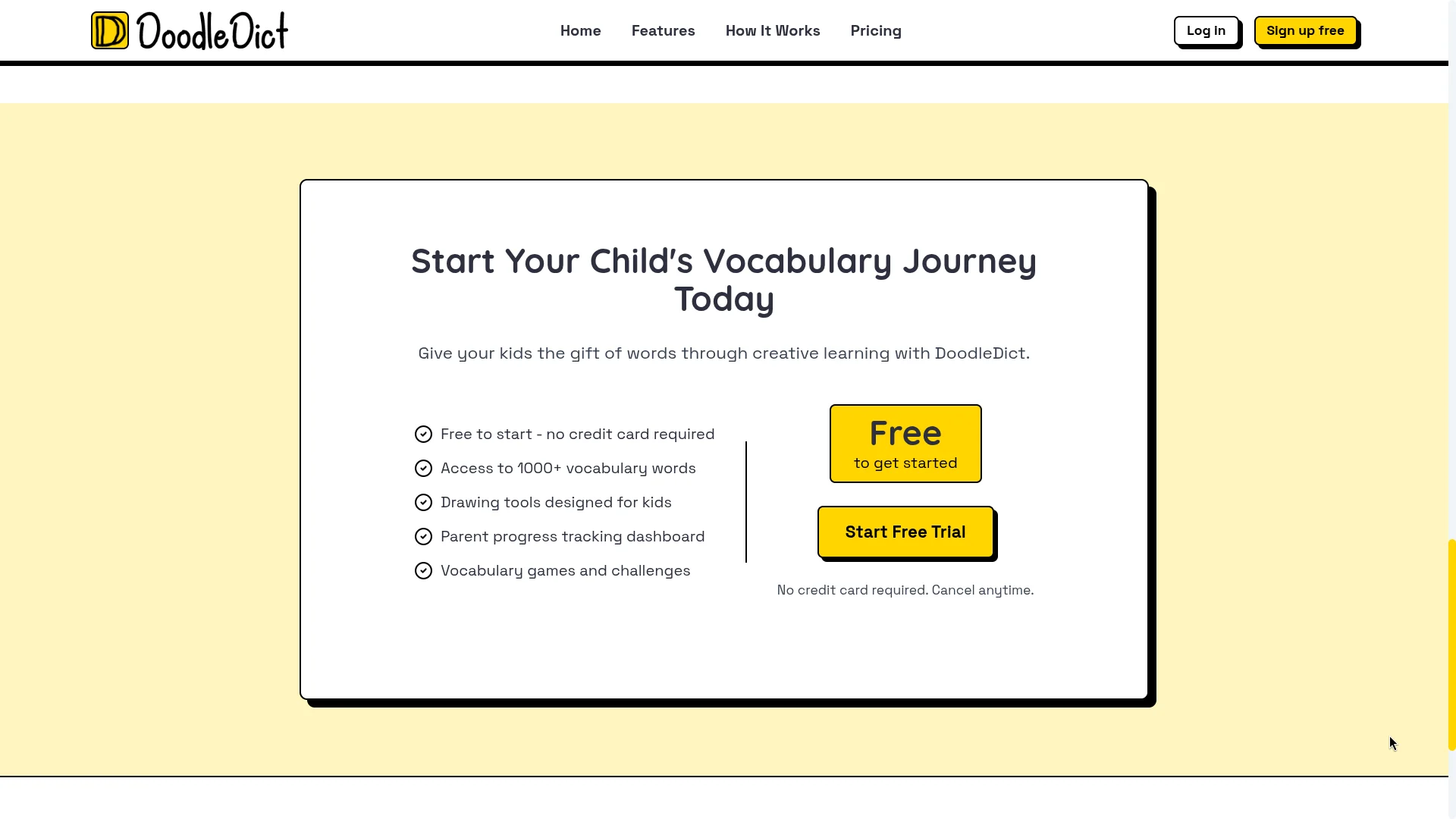
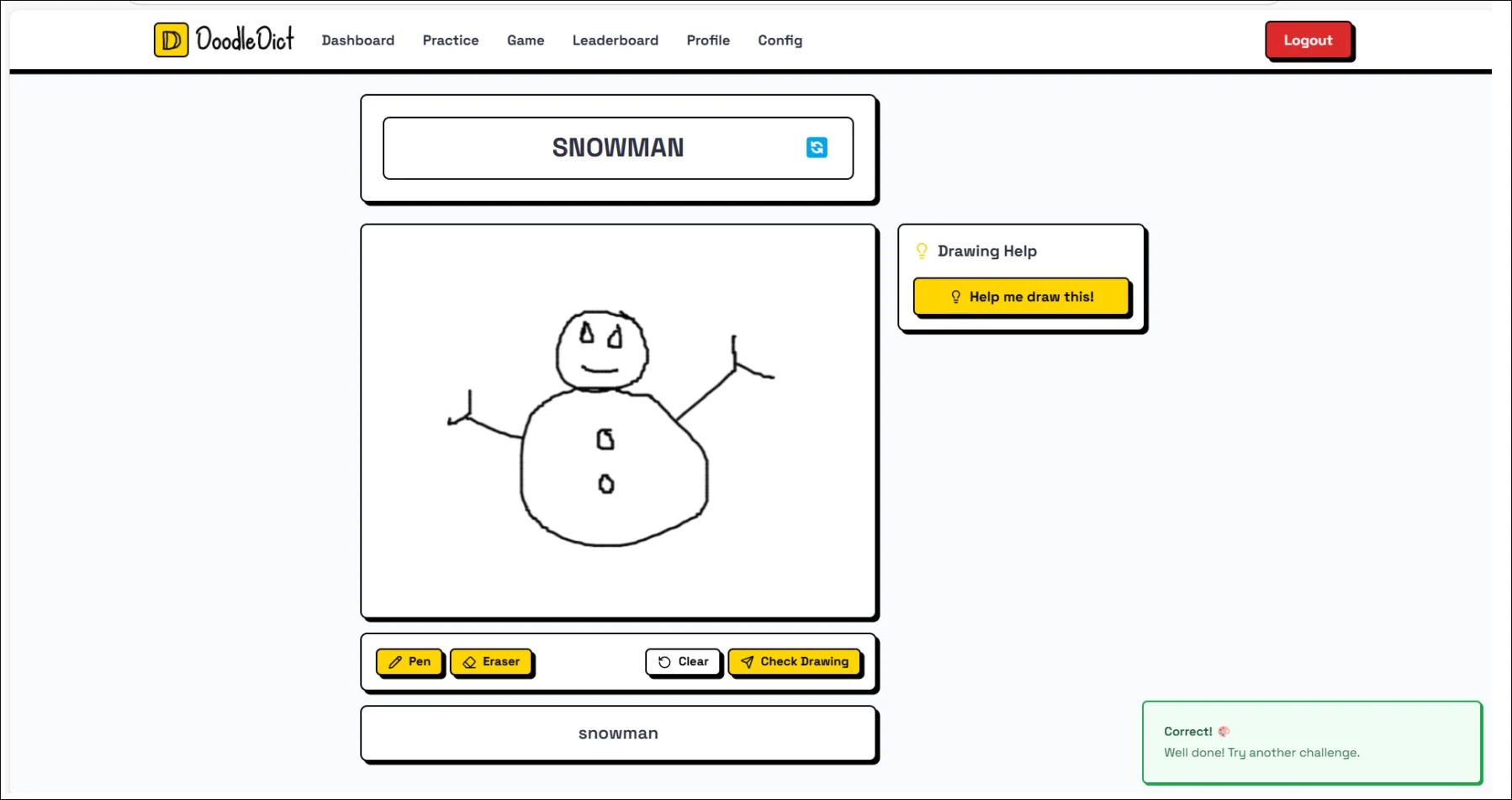
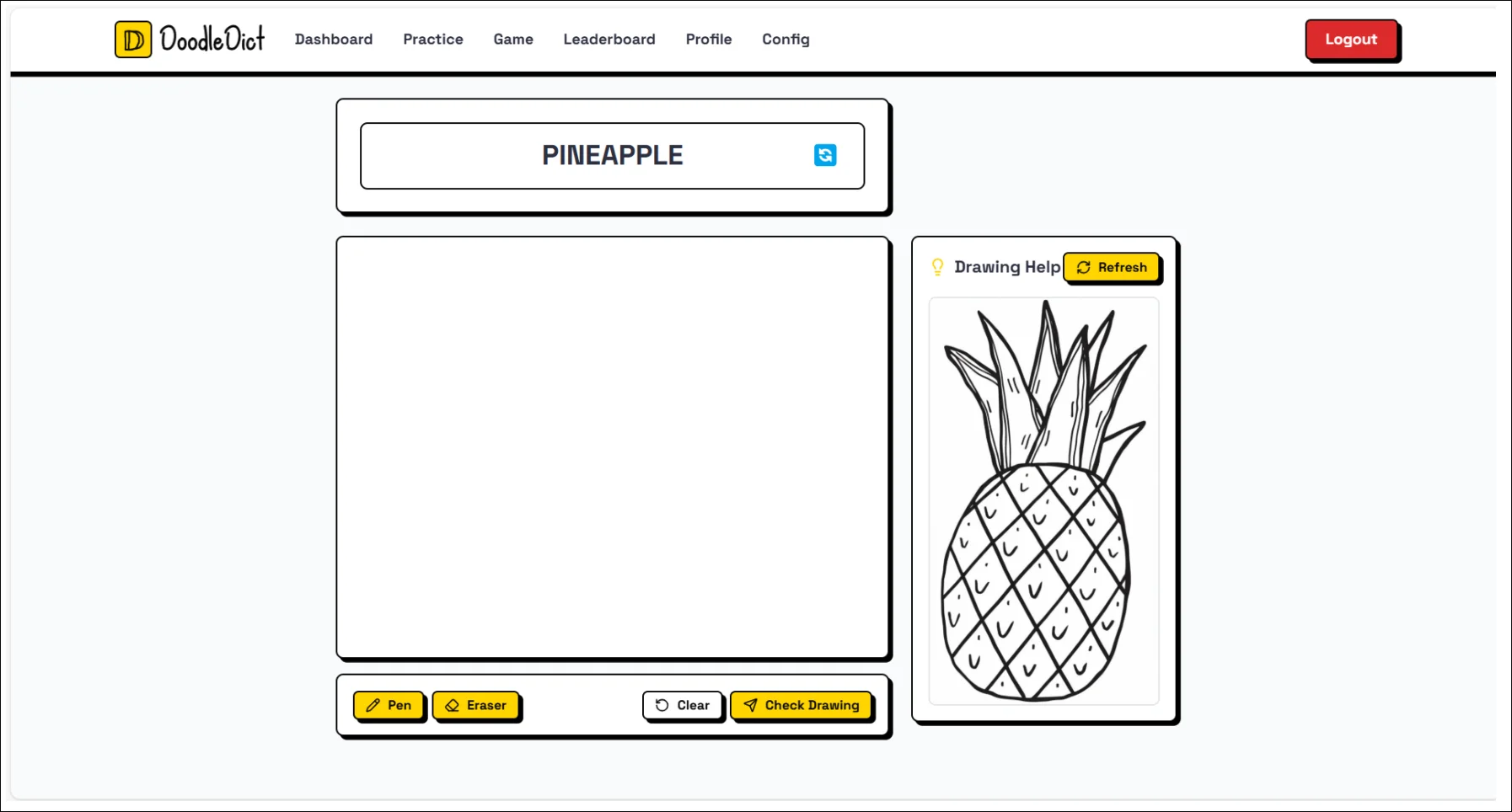
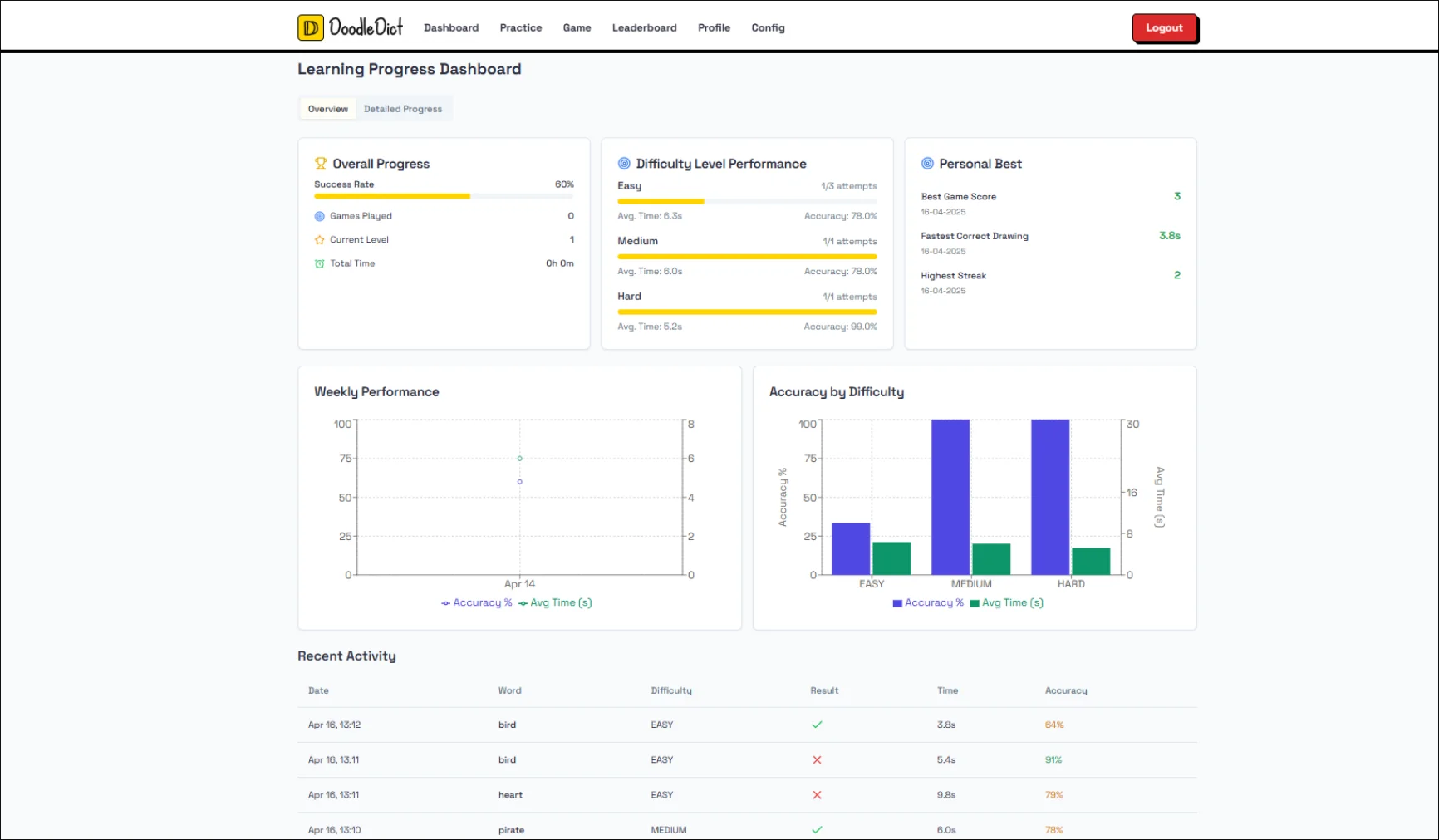
DoodleDict is a collaborative whiteboard and competitive AI drawing game built to understand the engineering challenges of real-time canvas synchronization and real-time computer vision integration — specifically, how to make drawing feel instantaneous locally while keeping all users in sync and verifying sketches using artificial intelligence.
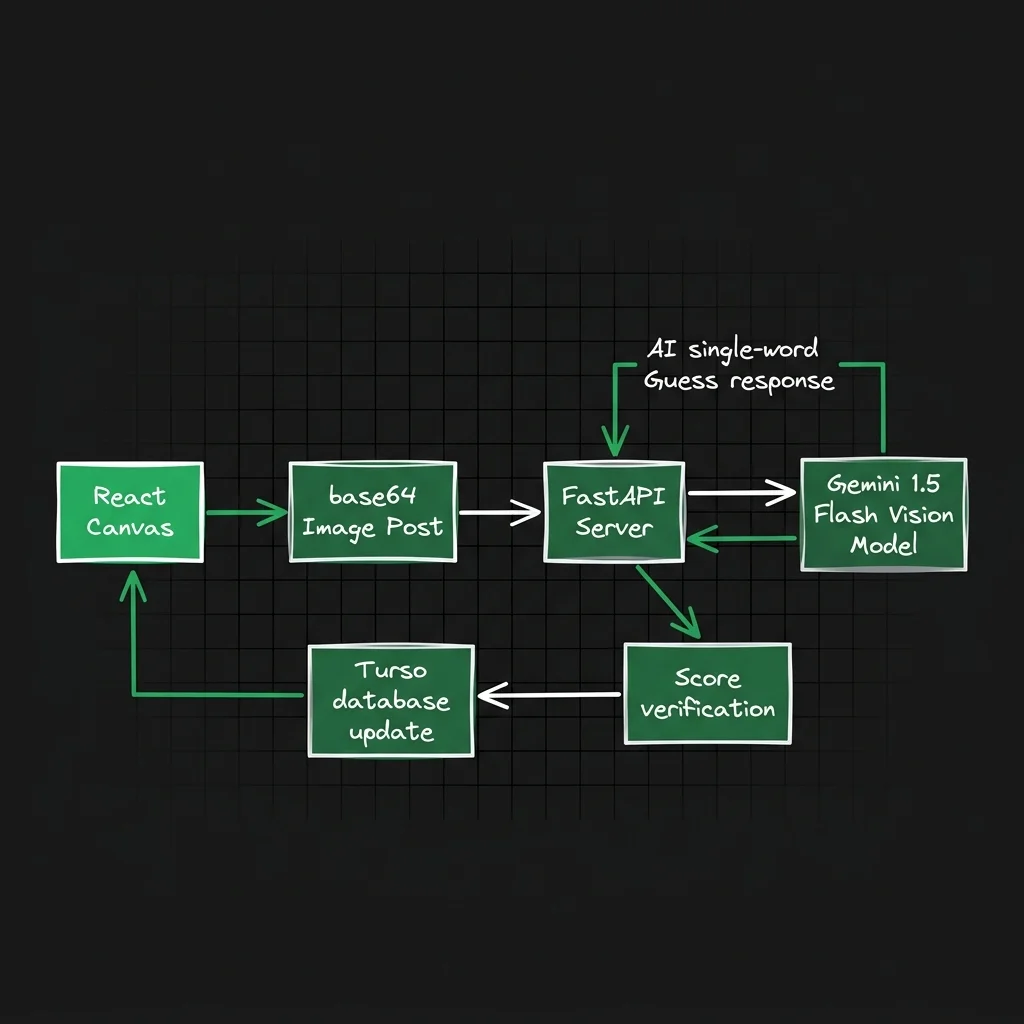
AI Guessing Loop Architecture
At the heart of the application is a high-speed inference pipeline that captures canvas pixel data, transmits it as a base64 payload to a FastAPI server, feeds it to the Gemini-1.5-Flash model, and validates the guess word against the current active challenge.
Here is the exact implementation of the FastAPI recognition endpoint, querying Gemini Flash to identify objects in a single word:
# backend/main.py - Doodle Recognition Endpoint
@app.post("/recognize")
async def recognize_doodle(request: ImageRecognitionRequest):
    try:
        base64_image = preprocess_image(request.image)

        model = genai.GenerativeModel("gemini-1.5-flash")
        response = model.generate_content([
            "Identify the object in this doodle in a single word.",
            {
                "mime_type": "image/png",
                "data": base64_image
            }
        ])

        result = response.text.split()[0].strip(".,!?").lower()
        return {"result": result}

    except Exception as e:
        print(f"Error in recognition: {str(e)}")
        raise HTTPException(
            status_code=500,
            detail="Failed to recognize doodle"
        )
The Core Challenge: Local-First Drawing
The naive approach to real-time drawing — emit every mousemove event as a WebSocket message — creates two problems: you saturate the network with hundreds of events per second, and remote users see laggy, choppy strokes.
DoodleDict solves this with a local-first, batch-sync model:
- All drawing happens locally and instantly on the user's canvas
- Stroke points are batched into arrays every 50ms
- Only the completed stroke (on
mouseup) is fully transmitted to other users - During active drawing, only the start point + current delta is broadcast
class DrawingSync {
  constructor(socket, canvas) {
    this.socket = socket;
    this.canvas = canvas;
    this.strokeBuffer = [];
    this.syncInterval = null;
  }

  startStroke(point) {
    this.strokeBuffer = [point];
    this.socket.emit('stroke:start', { point, color: this.currentColor });

    // Batch sync partial stroke data
    this.syncInterval = setInterval(() => {
      if (this.strokeBuffer.length > 1) {
        this.socket.emit('stroke:partial', {
          points: this.strokeBuffer.slice(-10)  // Last 10 points
        });
      }
    }, 50);
  }

  addPoint(point) {
    this.strokeBuffer.push(point);
    this.drawLocalSegment(point);
  }

  endStroke() {
    clearInterval(this.syncInterval);
    this.socket.emit('stroke:complete', { points: this.strokeBuffer });
    this.strokeBuffer = [];
  }
}
Canvas State Synchronization
When a new user joins a room, they need the full current whiteboard state. Rather than replaying every stroke event, the server maintains a serialized canvas snapshot and sends it on join:
socket.on('room:join', async (roomId) => {
  socket.join(roomId);
  const room = await Room.findById(roomId);
  socket.emit('canvas:state', room.canvasData);
});
Shape Tools
Beyond freehand, DoodleDict supports geometric shape tools:
- Rectangle — click and drag to draw, with live preview
- Circle — ellipse tool with aspect-ratio lock via Shift key
- Arrow — line with arrowhead rendered at the endpoint
- Text — click to place inline text annotations
Neubrutalist User Interface
The game design uses a bold Neubrutalism UI style (thick #000000 outlines, flat high-contrast cards, and offset box shadows). This makes the interface extremely readable, tactile, and responsive. Buttons bounce on active clicks and hover triggers.
Key Features
- 🖊️ Freehand drawing with pressure-based stroke width
- 📐 Rectangle, circle, line, and arrow shape tools
- 🎨 Color picker with 16 preset swatches
- ↩️ Undo/redo with full history stack
- 👥 Multi-user rooms with live cursor presence
- 🤖 Real-time Gemini 1.5 Flash sketch verification and word checking
- 🏆 Turso SQL Cloud Database leaderboard and scoring persistence
- 💾 Export canvas drawings as transparent PNG files