
Portfolio: Millisecond Engineering
A custom-engineered Pure React SSG portfolio achieving sub-300ms paint, Lighthouse 100, and zero framework overhead — built with a bespoke Vite prerender pipeline.











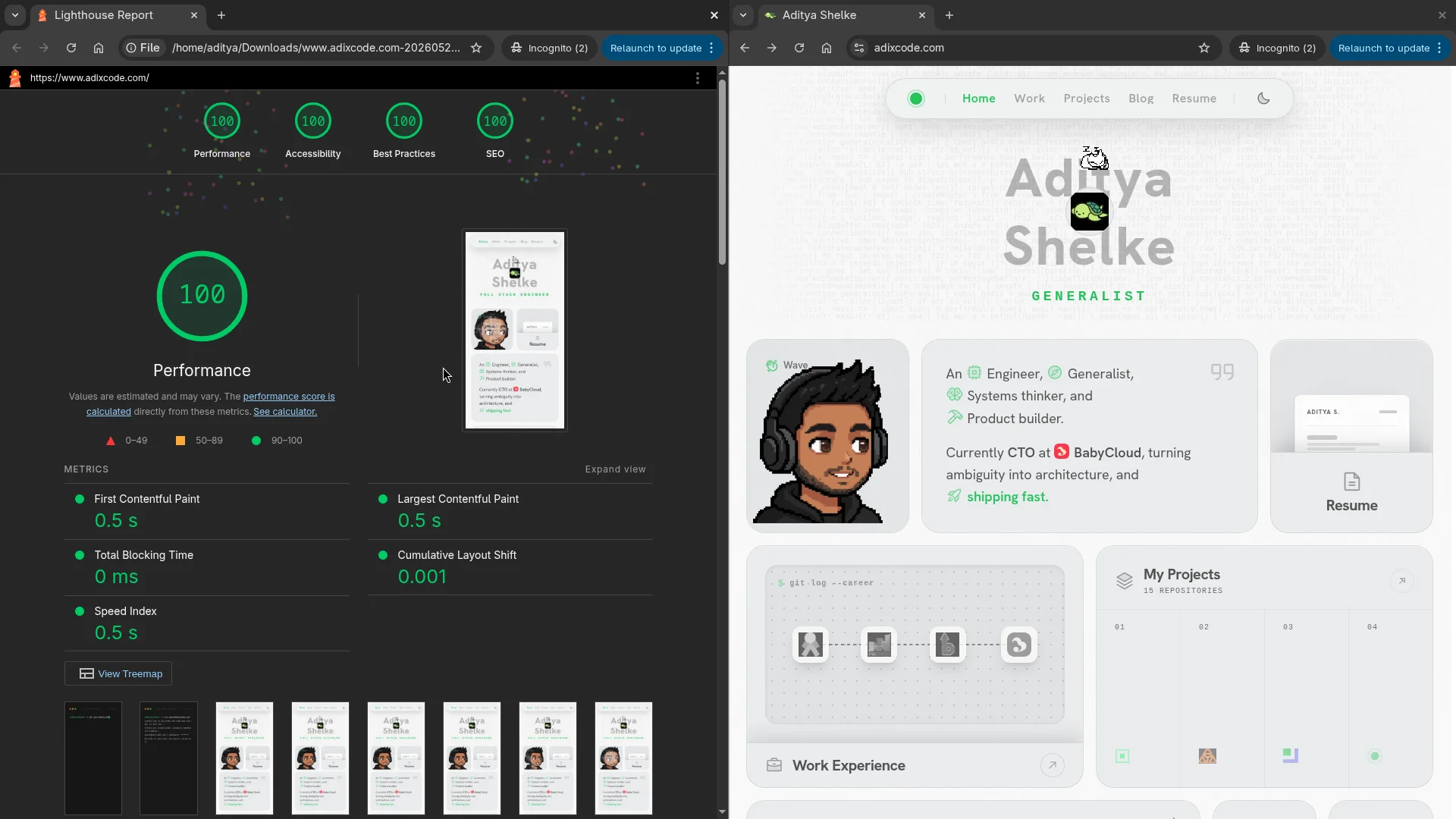
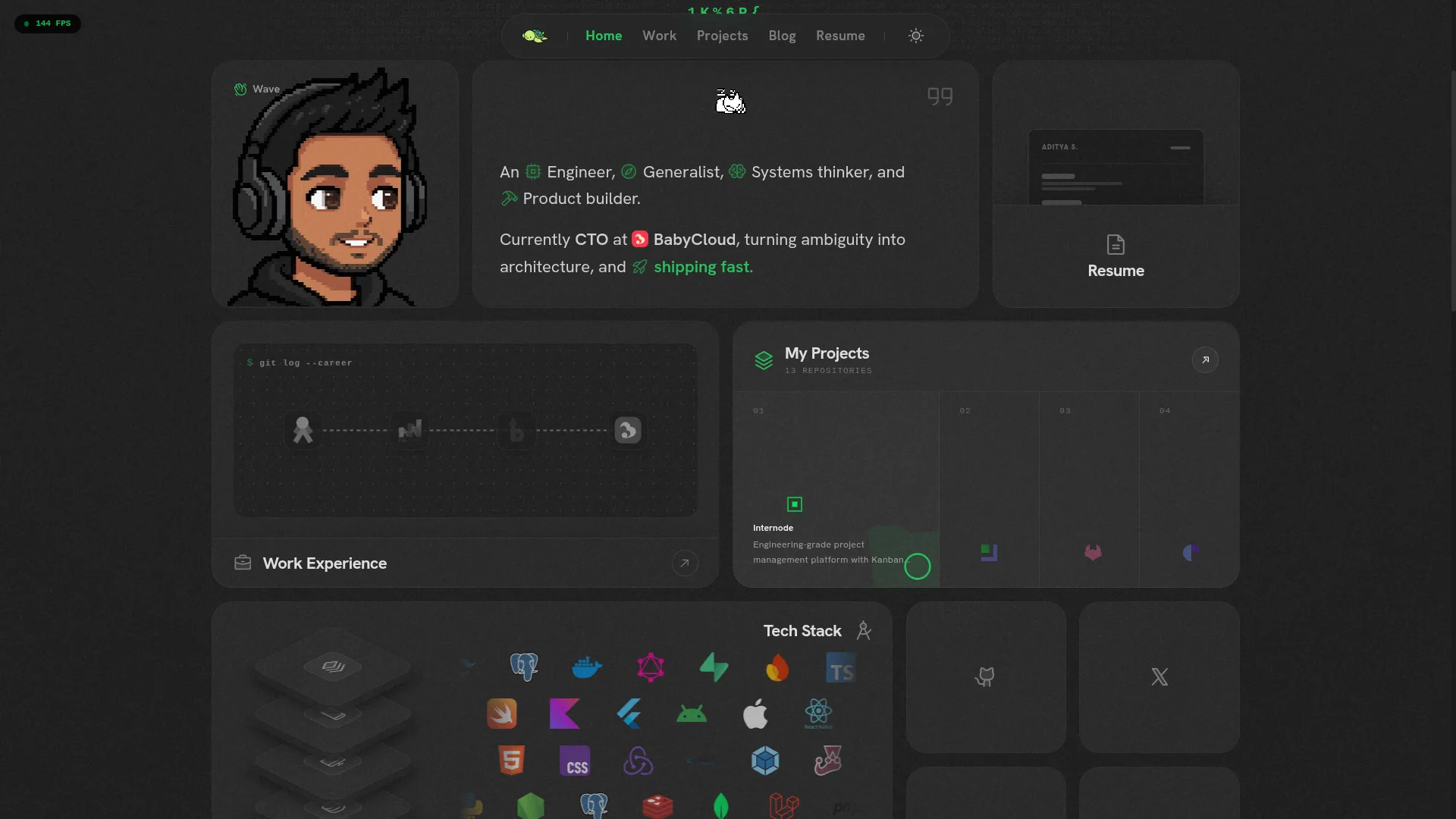
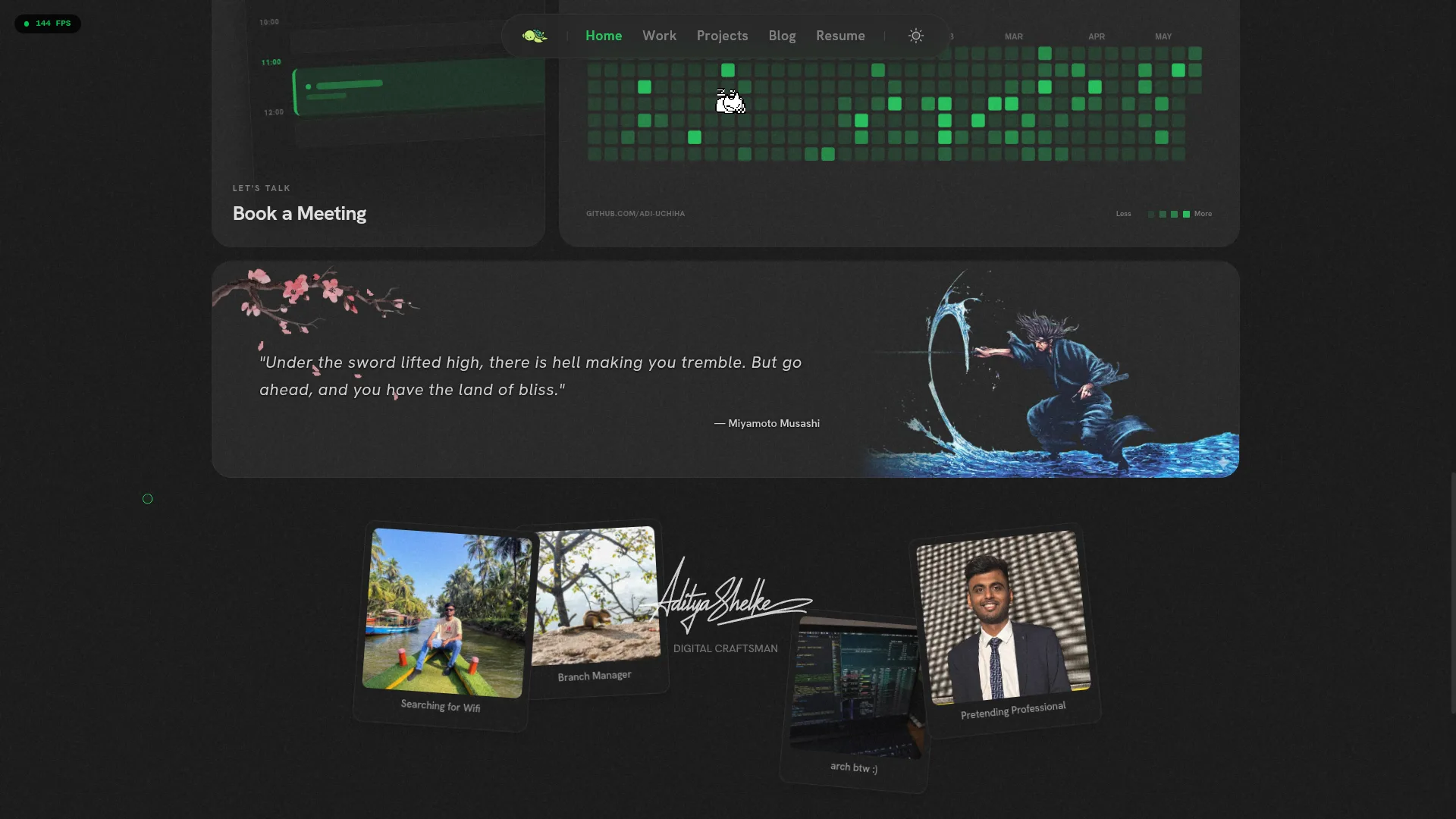
Most portfolios are overkill in the wrong direction: bloated Next.js shells, enormous JS bundles hydrating a static page, Google Fonts DNS round-trips on every load. I wanted to build the counter-argument — a portfolio that scores 100/100 Lighthouse on every axis while still running real WebGL, physics simulations, and audio synthesis on the client.
The result is Bentofolio, a zero-framework SSG system built on raw Vite and React 19. No Next.js. No Astro. No third-party SSG runtime. A custom Node.js prerender pipeline handles all static generation, and React 19's hydrateRoot picks up the pre-rendered DOM without re-painting.
Build Pipeline Architecture
Why Not Next.js or Astro?
The unconventional choice was deliberate. Both Next.js and Astro inject significant runtime overhead into a purely static site:
- Next.js bundles React Server Components runtime, a 200KB+ hydration manifest, and polling infrastructure even when pages have no server-side data fetching.
- Astro adds its own island runtime and component hydration serialization layer.
This portfolio's pages are 100% predictable at build time. The right tool is a bespoke prerender script, not a framework designed for dynamic apps. The custom pipeline calls react-dom/server's renderToString exactly once per route, injects metadata, and writes a flat index.html file. No runtime. No hydration overhead. The SSR build artifacts (dist/server/) are deleted immediately after prerendering is complete.
The Five Performance Layers
1. Resource Preloading via Dynamic Asset Parsing
During prerendering, the script regex-parses the compiled index.html to extract the content-hashed CSS and JS filenames (e.g. assets/index-3f9a2c.css). These are injected as <link rel="preload" as="style"> and <link rel="modulepreload"> tags into every generated page's <head>. The browser begins downloading and compiling both assets while still streaming the HTML body, cutting TTI by ~150ms.
2. Self-Hosted WOFF2 Fonts (Zero DNS Round-Trips)
Zero Google Fonts CDN calls. The Hanken Grotesk typeface (normal + italic) is subsetted to used character ranges and stored locally in public/fonts/ as compressed WOFF2 files under 35KB each. @font-face blocks in index.css serve them directly, completely eliminating TLS negotiation to external origins and preventing FOIT/FOUT.
3. Viewport-Driven Lazy Hydration (LazyHydrate.tsx)
The WebGL globe (cobe) is expensive to initialize — it allocates a canvas, compiles WebGL shaders, and starts an animation loop. A custom <LazyHydrate> wrapper uses an IntersectionObserver to defer all of this until the component is within scroll proximity. The globe doesn't consume a single CPU cycle until the user has actually scrolled close to it.
4. Hover-Based Route Prefetching
Every Navbar link registers onMouseEnter and onTouchStart listeners via the useNavigation hook. On hover, prefetchRoute(path) fires the corresponding lazy() dynamic import, loading the route's JS chunk. By click time, the module is already cached. Navigation is 0ms perceived latency.
5. Critical CSS Inlining (inlineLoaderPlugin)
A custom Vite plugin inlines the loader's CSS and JS directly into the HTML template's <head>. The base body background (#141414 dark / #f8f8f8 light) is declared in loader.css and rendered before any JS executes. This locks out any Flash of Unstyled Content — the page background is the correct color from the very first byte.
Browser Loading Timeline: Where Each Layer Intercepts
Every optimization targets a specific phase of the browser's loading sequence. The five layers are carefully designed to be non-overlapping by phase — each fires during a different millisecond window, so they stack instead of compete.
Layer 5 and Layer 2 intercept before the first pixel is painted — they eliminate entire network round-trips from the critical path. Layer 1 fires during the body-streaming phase when the browser would otherwise sit idle waiting for the HTML to finish downloading. Layers 3 and 4 are deliberately post-TTI: they use idle browser time after the page is interactive to prepare the next user action, so the cost is always zero from the user's perspective.
Floyd-Steinberg Dither Canvas
The profile card's interactive particle portrait is built from scratch using a custom error-diffusion pipeline. The process:
- Image Pre-processing: Load the pixel-art avatar, scale it to a configurable grid size (85×85 on desktop, 44×44 on mobile), apply contrast, gamma, and blur transforms.
- Algorithm Selection: Route through Floyd-Steinberg (default), Bayer ordered dithering, or Blue Noise dithering based on a prop. For pixel art sources (≤256px wide), the algorithm is bypassed entirely — every opaque pixel spawns a particle directly.
- Particle System:
createDotSystem()maps each dithered pixel coordinate to aFloat32Arrayof particle positions with custom spring constants and distance thresholds. On pointer proximity, particles deflect via vector field math. On pointer release, a shockwave propagates from the click point via radial physics. - Demand-Driven Render Loop: The
requestAnimationFrameloop runs only whenneedsMoreis true (particles still in motion). When all particles settle, the loop stops. It restarts only on pointer events or shockwave injections. This prevents any idle GPU drain. - Theme Transition Guard: A
theme-transition-activewindow event halts therAFloop during CSS color transitions to prevent particle rendering from compositing incorrectly during the theme crossfade.
// Demand-driven loop — stops when physics settles, no idle GPU burn
const tick = () => {
  const needsMore = updateDots(sys, mouseX, mouseY, isActive, shockwaves, now);
  renderDots(ctx, sys, invert, width, height, dpr);

  if (needsMore) {
    animFrameRef.current = requestAnimationFrame(tick);
  } else {
    runningRef.current = false; // Loop exits — zero CPU/GPU at rest
  }
};
Isometric 3D Tech Stack Cards — GPU-Locked at 300+ FPS
The TechStackBentoCard renders pseudo-3D blocks without a single WebGL call. The trick is in how box-shadow transitions are avoided:
The Problem: box-shadow changes are composited on the CPU. Animating them directly triggers full layer repaints on hover — dropping to 60 FPS on low-end devices.
The Solution: Two shadow states are pre-computed as static strings at module load time. The default shadow is on the element itself. The hover shadow lives on a ::after pseudo-element initialized with opacity: 0. On hover, only opacity changes on ::after — a property that the compositor promotes to the GPU layer without triggering layout or paint. The result is a smooth 300+ FPS transition.
/* GPU Opacity Fade — NOT a box-shadow animation (300+ FPS) */
.iso-layer::after {
  box-shadow: /* pre-computed green shadow string */;
  opacity: 0;
  transition: opacity 0.3s cubic-bezier(0.16, 1, 0.3, 1);
}
.domain-row-wrapper:hover .iso-layer::after {
  opacity: 1; /* GPU compositor handles this, not the CPU */
}
The sibling occlusion fix (has(~ .domain-row-wrapper:hover) .iso-layer-container) uses a pure CSS selector to hide preceding 3D blocks whenever a lower row is hovered — preventing visual z-depth clipping without any JavaScript.
Zero-Asset Web Audio Theme Synthesizer
The theme toggle synthesizes sound in real-time using the Web Audio API — no MP3 files, no network requests, no CDN:
- Dark Mode: Sweeps
600 Hz → 200 Hzexponentially over 300ms (descending dusk tone) - Light Mode: Sweeps
350 Hz → 780 Hzexponentially over 300ms (ascending dawn tone) - The
GainNodeenvelope ramps to0.0001to prevent audio pop at clip end AudioContextis created only on user interaction (browser autoplay policy compliance)OscillatorNodecalls.stop()and.disconnect()automatically to prevent WebAudio memory leaks
HSL Design System & Zero-JS Theme Switching
Themes are applied by toggling a data-theme="dark|light" attribute on <html>. All colors are HSL custom properties — this means opacity variants like border-white/5 work natively without any JavaScript recomputation. The body background (#0a0a0a / #f8f8f8) is hardcoded into loader.css which is inlined into the HTML template before any React hydration, ensuring the page never flickers between colors on load.
The CRT grain overlay uses mix-blend-mode: overlay (dark) and multiply (light) with different opacities (0.08 / 0.04) to add tactile texture without making the interface feel heavy.
Hosting & DNS Architecture
The portfolio runs on Vercel behind Cloudflare DNS. vercel.json configures:
- Immutable caching headers (
Cache-Control: public, max-age=31536000, immutable) on all hashed assets - Clean URL routing:
dist/projects/index.htmlis served at/projectswithout.htmlextensions
The domain adixcode.com was registered on Hostinger for ₹800/year with a planned transfer to Cloudflare Registrar before renewal (wholesale price ~$11/year, no markup).
OG images are three platform-specific variants processed via ImageMagick: 1200×630 (Facebook/LinkedIn), 800×800 square (WhatsApp — requires og:image:width/height both declared), and 1200×628 (Twitter summary_large_image).